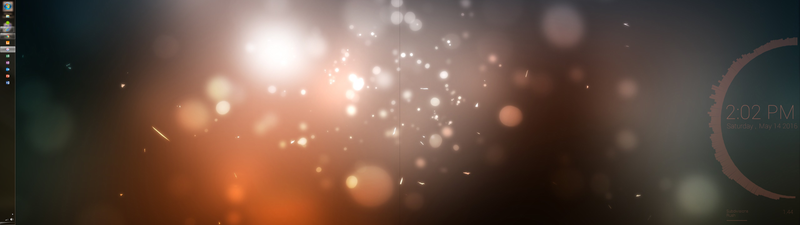
Once you have that down—or want to try it on your own, here’s what you’ll need:
- The wallpaper
- The Rainmeter system tweaking and monitoring tool for Windows
- The Drizzle skin for Rainmeter for the time and date effects
- The VisBubble skin for Rainmeter for the visualizer all the way to the right on the right display
- The Cleartext skin for Rainmeter for the Now Playing display
That’s all there is to this one! It’s sharp and simple, and adds just a little personality to a clean desktop that’s otherwise ready for work. If you like how it looks, head over to the Kinja blog linked below to let Tool without an interesting name know what you think, and that you like how it all turned out.
Source: LifeHacker